Condition Monitoring
Watch temperature and run-state on the assets that matter. Set the thresholds yourself, then work each alert from active to acknowledged to resolved.
Condition Monitoring
Maintenance schedules are set by the calendar, not by the asset. Between inspections most equipment reports nothing at all — so a check is either early and wasted, or late and expensive.
How Twinise Solves This
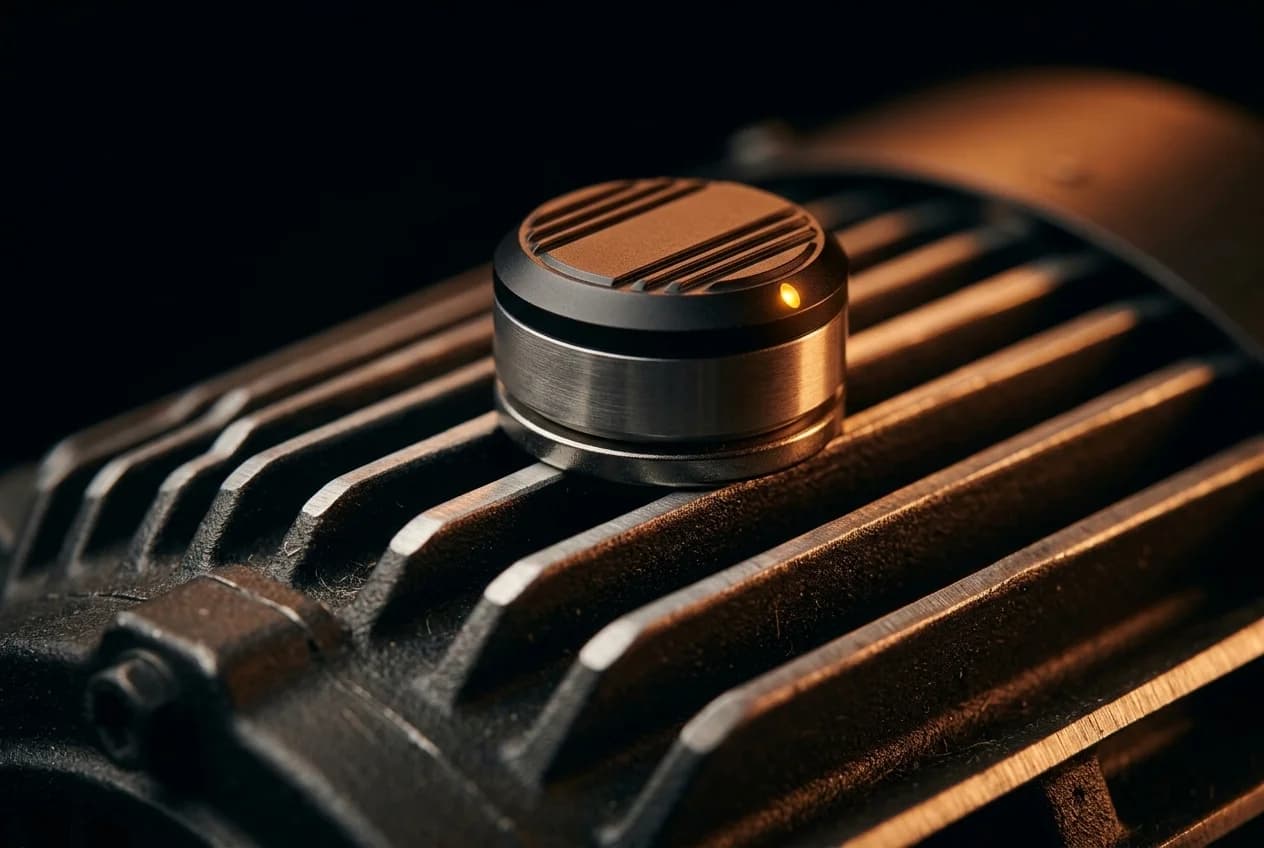
Twinise nodes sit on the assets that matter and report continuously: temperature and humidity around motors, panels and mechanical plant, and movement through the IMU — whether a machine is running, and when it takes a knock. You set the thresholds; the platform holds the readings and raises the alert.
What You Get
- Run-state from movement — The IMU reports whether an asset is running, idle or stopped. Put a threshold on it and the knocks that happen between inspections raise an alert instead of going unrecorded.
- Thermal trending — Track temperature drift across motors, transformers, and mechanical systems. Receive alerts when components leave configured threshold ranges.
- Alerts you can work — One active alert per rule, de-duplicated until it closes: active, acknowledged, resolved. Nothing piles up behind a condition you already know about.
- 3D twin overlay — Visualise asset condition directly on your Unreal Engine digital twin. Mesh tint, material parameters and heatmaps read from the live stream across your entire facility.
Recommended Hardware
The Starter Kit (10 devices) covers a plant room or a single line; the Site Kit (50 devices) covers a floor of them. Vibration sensing is tested on our nodes rather than stocked in a kit — tell us the asset and we can integrate it.
Where To Start
Instrument the assets you already walk to on a schedule. Continuous temperature and movement show you where the calendar is wrong, and the thresholds you set afterwards come from what the asset actually does rather than from its nameplate.